LTX 2.5 model launch

Create Stunning Videos with LTX 2.5

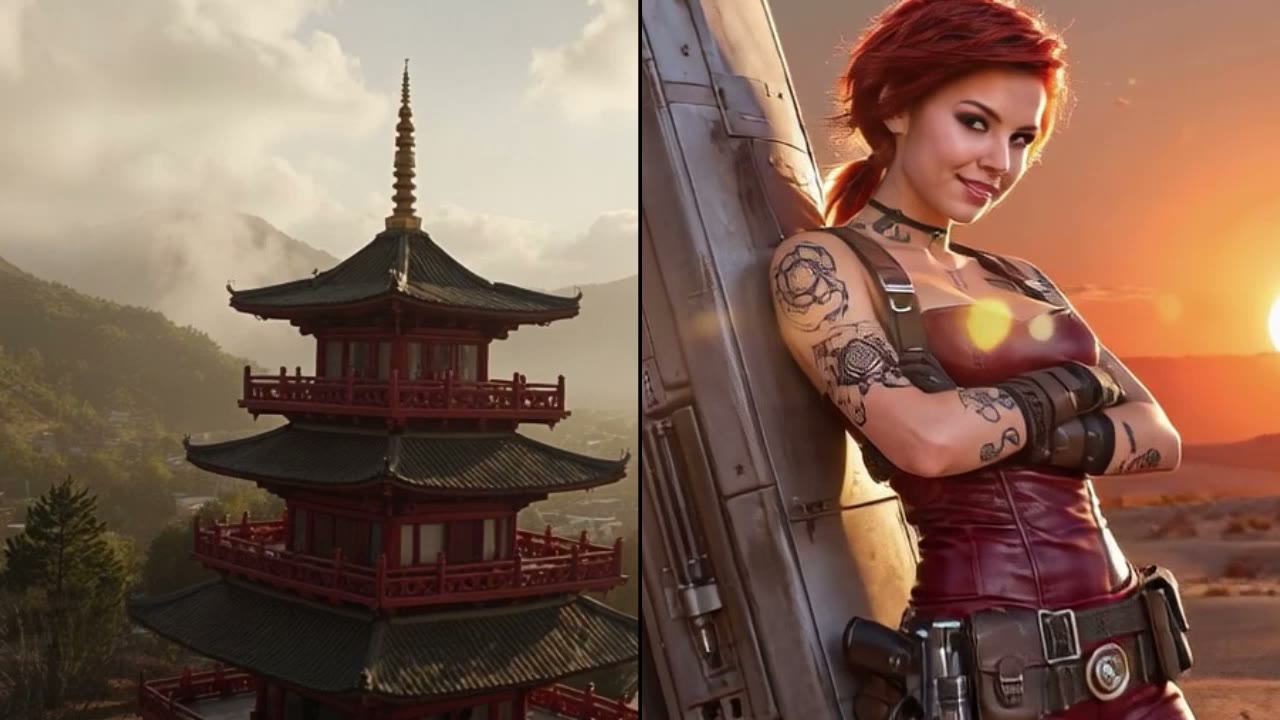
Watch the new open foundation model in motion: cinematic output, multishot continuity, cleaner detail, and professional finishing.

LTX 2.5 builds on the LTX 2.3 video workflow with Diffusion Fidelity Rendering, prompt adherence, automatic duration, native 4K HDR, RAW workflow support, and open deployment options.

6.8s
10s 720p benchmark
4K HDR
professional output
Open
weights and deployment

Overview

What Is LTX 2.5?

LTX 2.5 is an open AI video foundation model designed for real production workflows. It improves the areas creators notice most: motion stability, connected scenes, prompt control, clip pacing, professional output formats, and deployment ownership.

Model capabilities

LTX 2.5 Key Features

The key feature set is centered on the quality and control gains that make LTX 2.5 a stronger video model: fidelity, motion, multishot, prompt following, automatic timing, and finishing output.

Pixel quality

Diffusion Fidelity Rendering

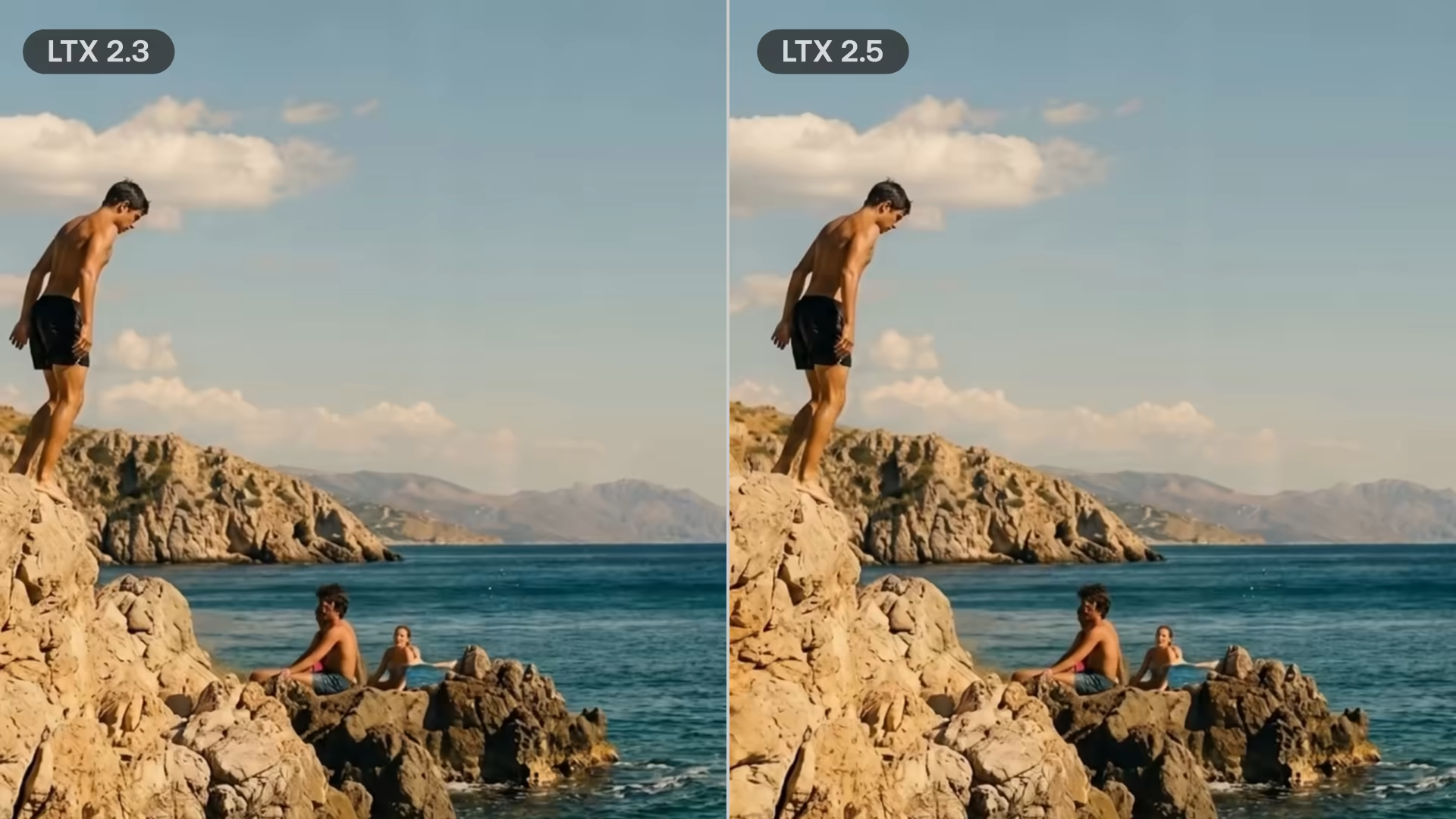
Diffusion Fidelity Rendering allocates denoising and rendering effort according to scene complexity, so dense textures, hard edges, and small foreground details hold up across frames instead of collapsing into soft motion blur.

Best for high-detail scenes, product surfaces, character close-ups, and shots intended for larger screens.

Motion quality

Cleaner motion

The updated video decoder improves temporal stability, reducing jitter, smear, and broken transitions when subjects or cameras move through a scene.

Useful when motion quality matters more than a single attractive keyframe.

Scene continuity

Native multishot

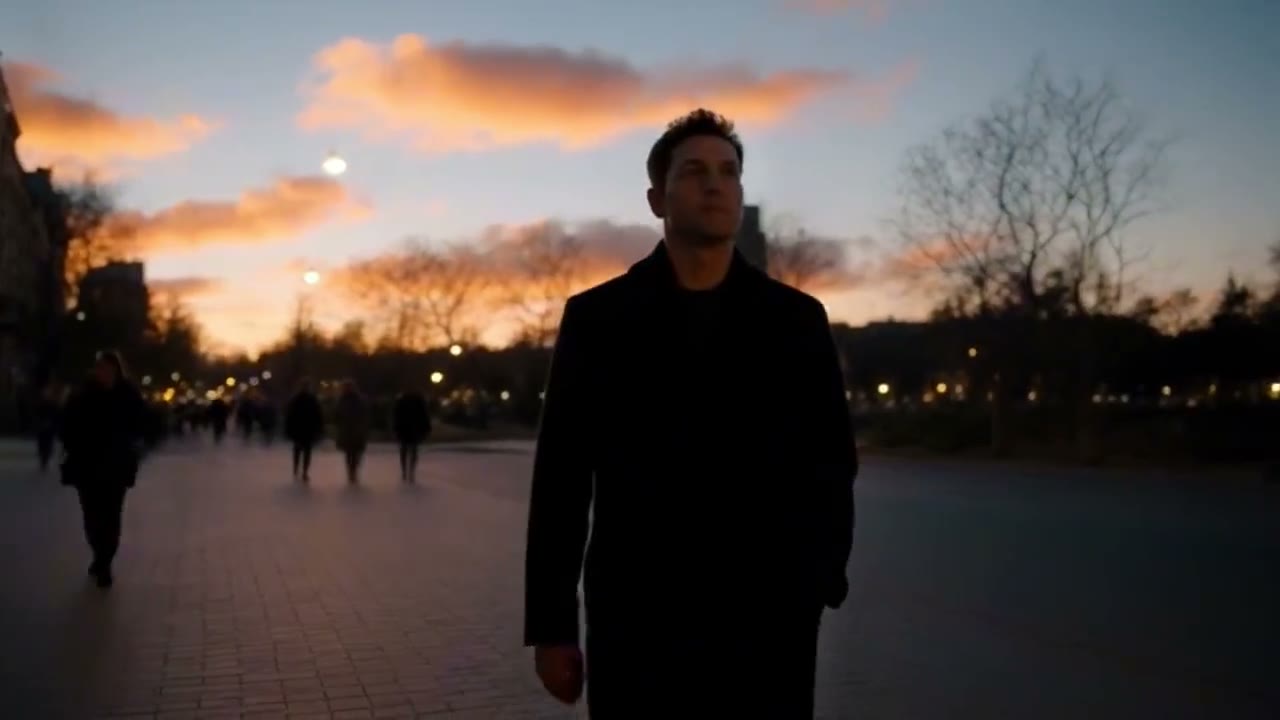
Native multishot generation is designed to preserve character, environment, lighting, and voice across connected shots, making short sequences easier to plan as a single creative unit.

A stronger fit for previews, storyboards, short ads, and continuity-sensitive concept work.

Creative control

Prompt adherence

LTX 2.5 improves instruction following for camera language, subject behavior, scene style, timing, and motion direction, so shorter prompts can produce more controlled results.

Reduces prompt drift when the brief includes several visual and motion constraints.

Natural pacing

Auto duration

Automatic duration prediction estimates the clip length needed for the requested action, helping a shot resolve naturally instead of ending too early or lingering after the motion is complete.

Especially helpful for actions with clear beginnings and endings, such as reveals, turns, impacts, and transitions.

Finishing

Native 4K HDR

Native 4K HDR support makes LTX 2.5 more practical for professional review, color decisions, and high-resolution delivery where highlight detail and output latitude matter.

Best for teams evaluating generated footage for premium screens, post-production, and finishing-grade workflows.

Post pipeline

Native RAW workflow

The RAW-oriented workflow is designed for professional color, review, editing, and finishing pipelines where generated footage needs more latitude than a compressed preview.

Built for teams that need model output to survive downstream grading and delivery work.

Decision path

How to Use LTX 2.5

Use LTX 2.5 when you need to generate immediately, then evaluate output quality, continuity, deployment ownership, or fine-tuning needs before choosing the right workflow.

01

Create now with LTX 2.5 Step 1

Start with the LTX 2.5 Studio when the job is immediate: describe the scene, upload reference media, choose the generation mode, set duration and aspect ratio, then produce a clip you can review and download.

02

Evaluate LTX 2.5 output Step 2

Use the LTX 2.5 demos to judge the upgrade: motion stability, Diffusion Fidelity Rendering, prompt adherence, multishot continuity, auto duration, HDR, and RAW-oriented finishing.

03

Choose a deployment path Step 3

If the model fits, decide how it enters production: API for product integration, ComfyUI for creative prototyping, local deployment for control, or fine-tuning for domain-specific output.

Video gallery

LTX 2.5 Video Examples

A waterfall gallery from the official Built on LTX community library, showing how LTX workflows extend into identity LoRAs, camera motion transfer, face swap, lip sync, and second-pass enhancement.

Alissonerdx LTX LoRAs

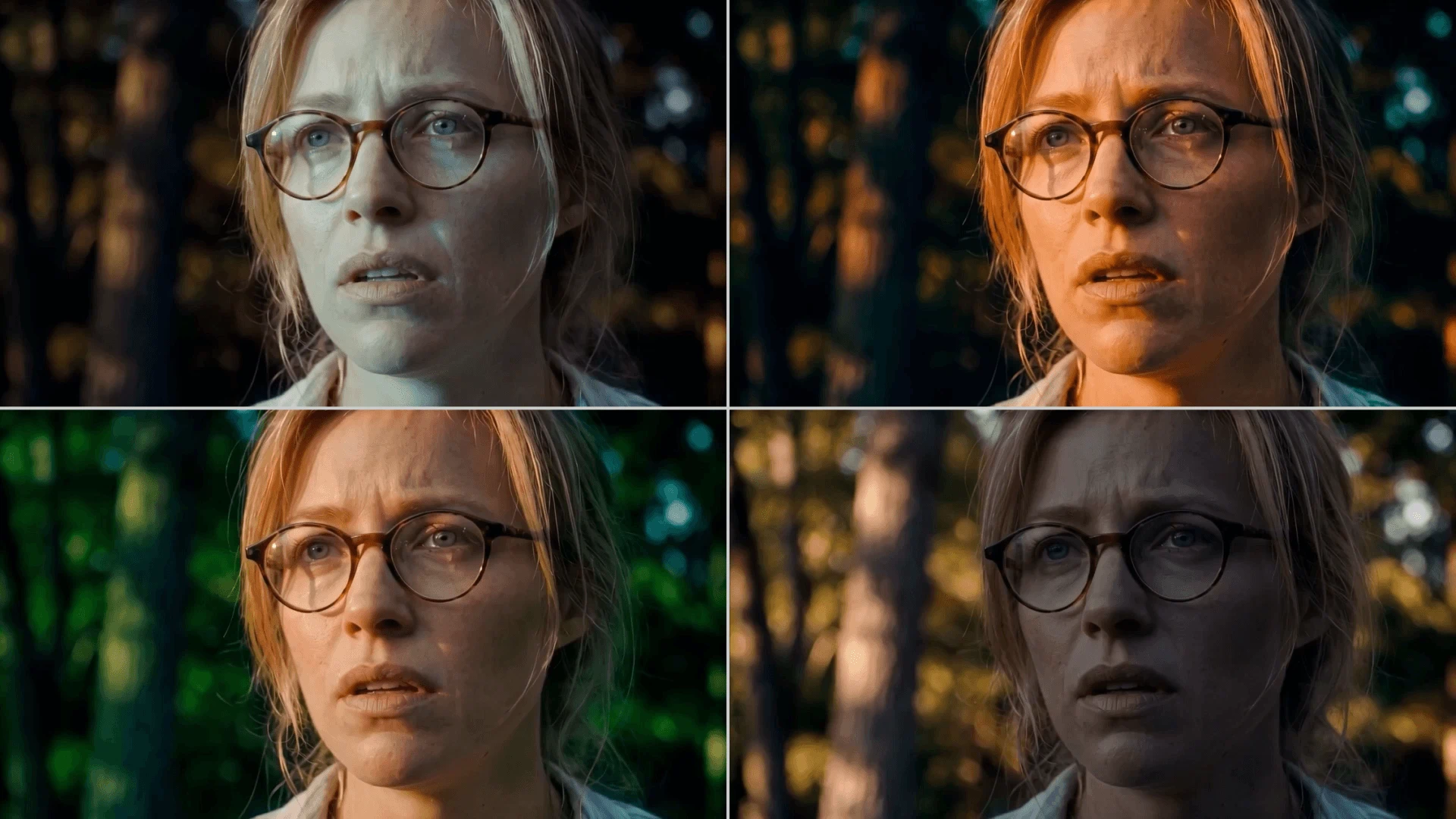
A community LoRA showcase that demonstrates how LTX can be extended into specialized video effects and reusable creator workflows.

ID-LoRA Talking Head

Generate a person's visual appearance and voice together from reference media, showing how LTX community adapters can extend identity-driven video workflows.

IC-LoRA Cameraman

Transfer camera motion from a guide video into a generated scene, including pan, tilt, zoom, orbit, and compound camera movement.

FPV Motion LoRA

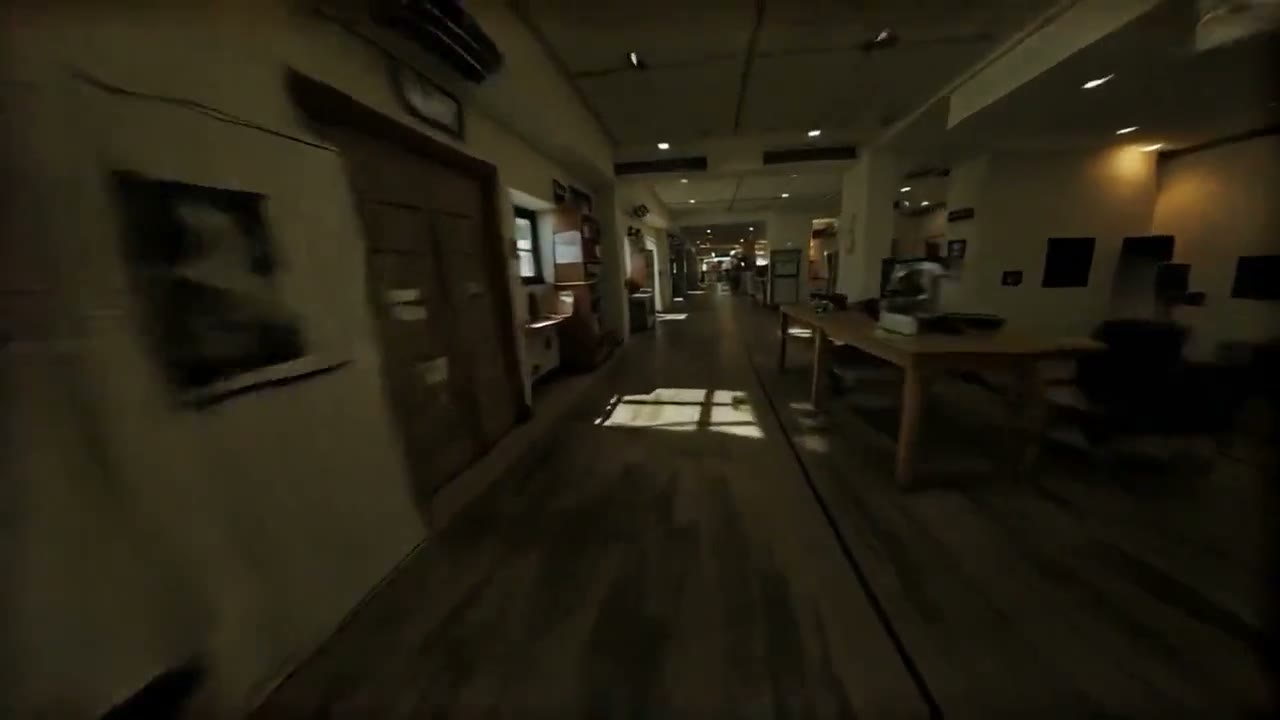
Add smooth, low-speed FPV drone-style camera motion to generated footage without changing the core model.

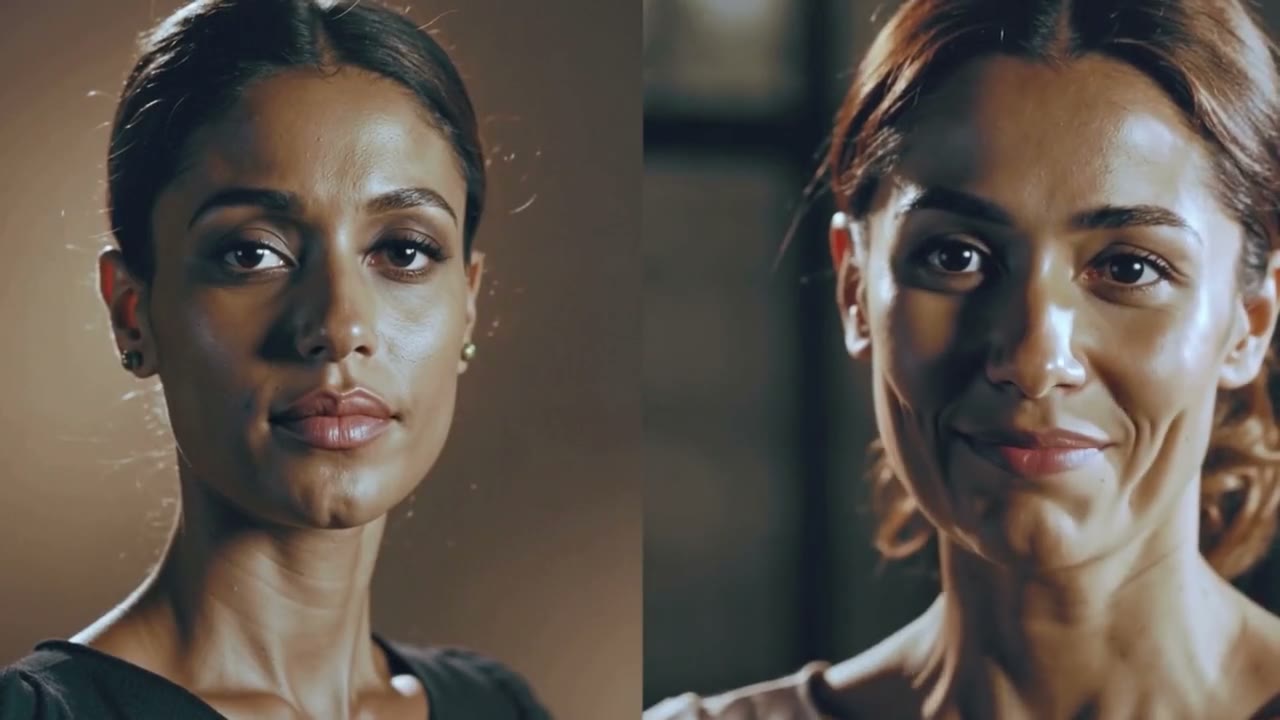
BodyPositivity LoRA

Transform subject body shape while keeping the scene, camera motion, and temporal structure consistent.

JoyAI Echo

A story-oriented community workflow for longer character and voice consistency built on the LTX ecosystem.

Example 5s LoRA

A compact five-second community example for quickly evaluating adapter behavior and output stability.

Face Swap Video

Swap a face onto a guide video while preserving motion, expression timing, and temporal consistency.

AV LoRA

Generate talking-head video with synchronized lip sync and voice-character guidance from reference media.

Upscale IC-LoRA

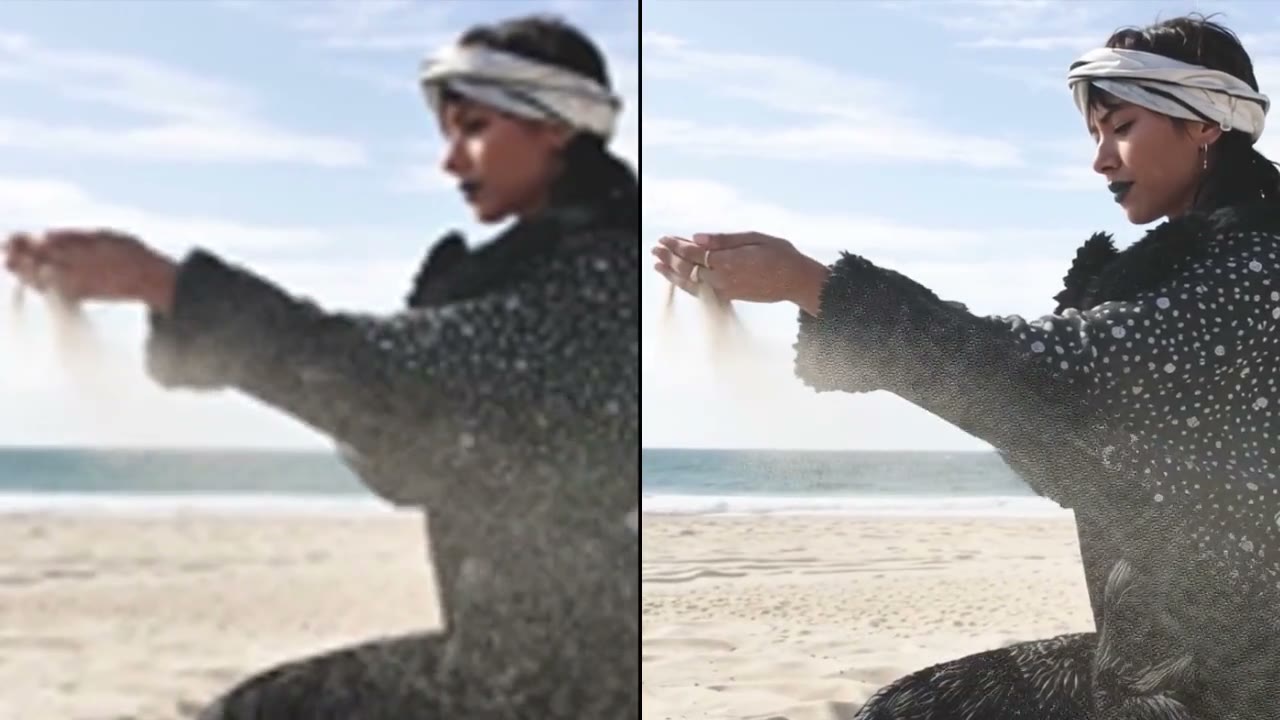
Use an upscale-plus-second-pass workflow to recover sharper detail from generated video output.

Inflated Balloon LoRA

Add inflated-object look and physics as a targeted visual behavior without rebuilding the full generation stack.

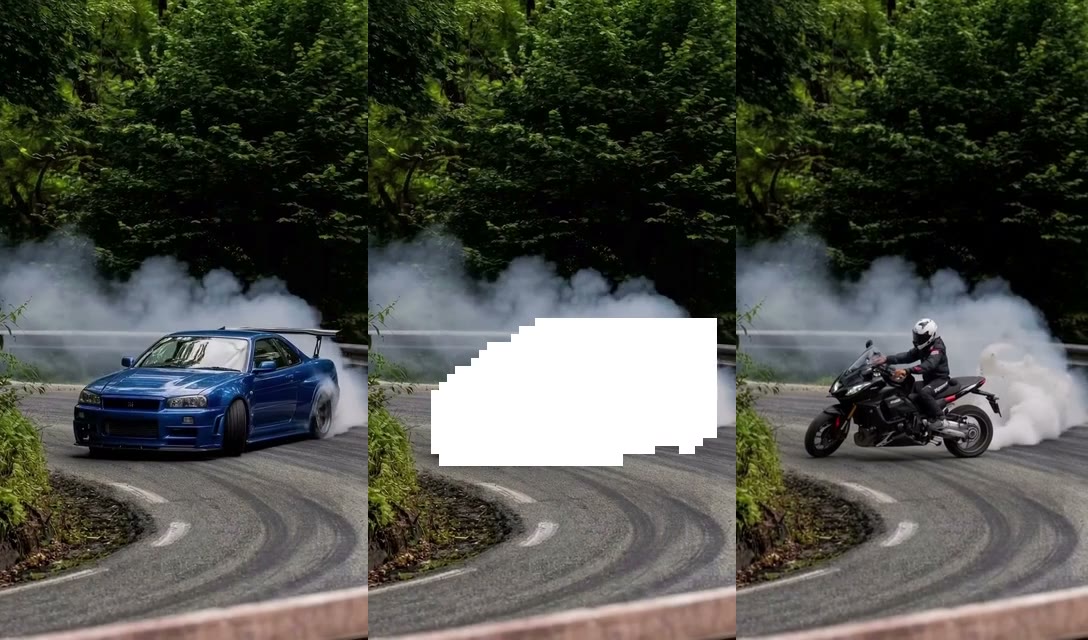
JoyFox ICEdit

A restoration and edit adapter family for enhancement, cleanup, and prompt-directed video repair workflows.

Obscura Remova

Remove foreground occlusions such as curtains, plants, windows, or haze through a video-to-video LTX adapter.

Cockpit Cam LoRA

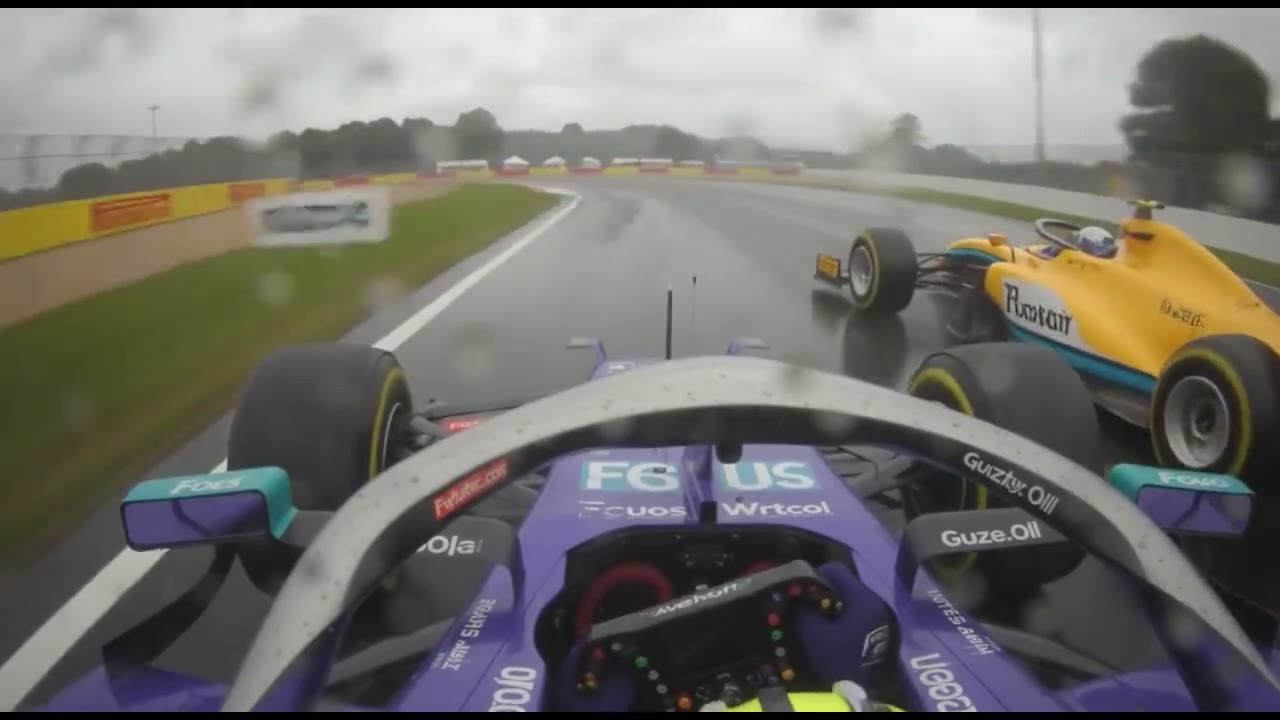
Generate motorsport footage from a T-cam or cockpit point of view with a dedicated open-wheel motion style.

TTM IC LoRA

Transfer a stylized 3D look from flat 2D cutouts and bring still-image artwork into motion.

Model comparison

LTX 2.3 vs LTX 2.5

The homepage keeps the comparison compact: LTX 2.3 remains the live creation route, while LTX 2.5 becomes the new model story for quality, control, and deployment.

Topic
LTX 2.3
LTX 2.5
Product role
Live generator users can open now for text-to-video and image-to-video.
Newest model story for higher-fidelity video and open deployment.
Quality
Sharp details, cleaner audio, native portrait, and practical generation modes.
Cleaner motion, DFR pixel fidelity, 4K HDR, and RAW-friendly output.
Motion
Strong for short generated clips and practical previews.
Updated decoder targets smoother temporal consistency with fewer visible artifacts.
Continuity
Best presented as single-shot generation with workflow-level iteration.
Native multishot support keeps subjects, lighting, environments, and voice across connected shots.
Control
Prompt, resolution, duration, aspect ratio, and generation mode settings.
Prompt adherence, auto duration, native multishot, and precise editing direction.
Finishing
Good for web delivery, social output, and generator-led downloads.
Adds native 4K HDR and RAW-oriented workflows for color and post-production pipelines.
Performance
Usable through the hosted product workflow.
Positioned around faster-than-real-time local generation in LTX published benchmarks.
Deployment
Product route with task polling, history, download, and sharing.
Open weights, API deployment, local deployment, and fine-tuning.
Best fit
Users who want to create immediately inside the current web generator.
Teams evaluating a foundation model they can integrate, adapt, and own.


Deployment

LTX 2.5 Deployment Paths

This module should stay, but it should work as a decision layer, not a decorative video strip. It explains how LTX 2.5 moves from model interest to adoption: prototype, integrate, control, or run live systems.

The videos act as proof points for each route. The value is the adoption logic.
01

Prototype in ComfyUI

Use node-based workflows to test prompts, adapters, and production chains before committing engineering time.

02

Ship through API

Build LTX video generation into products without operating the full inference stack from day one.

03

Run controlled pipelines

Use LTX as a model layer for robotics, simulation, and domain-specific research pipelines.

04

Power real-time products

Adapt the model for responsive avatar, live media, and interactive creative systems.

Flexible Pricing

LTX AI Video Generator Pricing and Credit Plans

Create professional AI videos with flexible credit-based pricing. One-time purchase, no subscription required.

Credits never expire7-day money-back guaranteeCommercial usage rightsSecure payment
Starter
$9.9one-time
What's included:
  • 99 credits included
  • $0.090 per credit
  • Create HD text-to-video or image-to-video clips with natural native audio
  • 720p export, no watermark download
  • Commercial use license
  • Standard queue speed
  • Email support
Basic
$29.9one-time
What's included:
  • 330 credits included
  • $0.085 per credit
  • Faster HD generation for daily content
  • Text to Video and Image to Video with native audio
  • 1080p export, no watermark download
  • Commercial use license
  • Priority queue speed
  • Priority support by email
Most Popular
Plus
$49.9one-time
What's included:
  • 600 credits included
  • $0.083 per credit
  • Scale creative runs with better stability and look
  • Text to Video and Image to Video with native audio
  • 1080p export, no watermark download
  • Commercial use license
  • Faster priority queue and up to 5 concurrent jobs
  • Priority support
Professional
$99.9one-time
What's included:
  • 1250 credits included
  • $0.079 per credit, best value per credit
  • High-volume professional delivery for teams
  • Text to Video and Image to Video with native audio
  • 1080p export, no watermark download
  • Commercial use license
  • Fastest queue and up to 10 concurrent jobs
  • Full effects pack and early access to new features
  • 24/7 priority support
  • Bulk processing
  • API access coming soon
Secure Payment
256-bit SSL encryption
Instant Delivery
Credits added immediately
7-Day Refund
No questions asked

FAQ

LTX 2.5 FAQ

What is LTX 2.5?

LTX 2.5 is an open-weights foundation model for AI video generation, focused on higher fidelity, continuity, prompt control, automatic pacing, HDR output, and flexible deployment.

Where should I create videos with LTX 2.5?

Use the dedicated LTX 2.5 Studio at /ltx-2-5 for text to video and image to video. This homepage explains the model, demos, and comparison, then points you to the live create workflow.

Are the videos repeated?

No. Each homepage video source is used once: hero, What Is, key features, gallery, and ecosystem sections all use separate MP4 files.

When do videos play?

Homepage media starts as lightweight poster images. Hero and feature clips load only after they enter the viewport (with a short idle delay), and gallery or ecosystem clips wait for an explicit play tap so crawlers and first paint stay light.

What changed from LTX 2.3 to LTX 2.5?

LTX 2.5 adds Diffusion Fidelity Rendering, a stronger video decoder, native multishot generation, better prompt adherence, automatic duration, RAW-oriented workflows, and more deployment control.

Can LTX 2.5 be fine-tuned?

Yes. LTX 2.5 is positioned as an open foundation model with a pretrained base checkpoint that teams can adapt to their own data, visual domain, and infrastructure.

Is LTX 2.5 only for developers?

No. Creators can evaluate the model through demos and hosted tools, while technical teams can use API, local deployment, ComfyUI, and fine-tuning paths when they need deeper control.

Why show Built on LTX examples?

Built on LTX examples prove that the model is not just a generator UI. They show community adapters, camera-control workflows, lip-sync extensions, enhancement passes, and reusable model tooling.

Start creating

Turn LTX 2.5 Research Into Your Next Video

Compare the demos, understand the upgrade, then use the live LTX generator path when you are ready to make a clip.